Mobile Phone
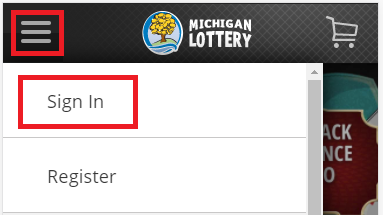
- Sign In from the menu. The menu is accessible by selecting the “ ” icon in the upper-left portion of your screen. Select “Sign in” from the mobile menu and enter your Michigan Lottery account credentials.
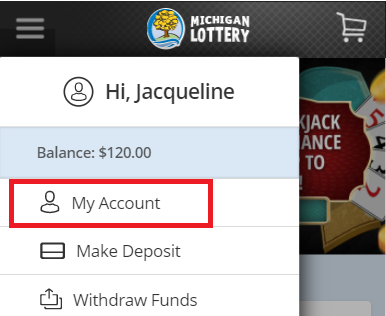
- Select “My Account” from the mobile menu.
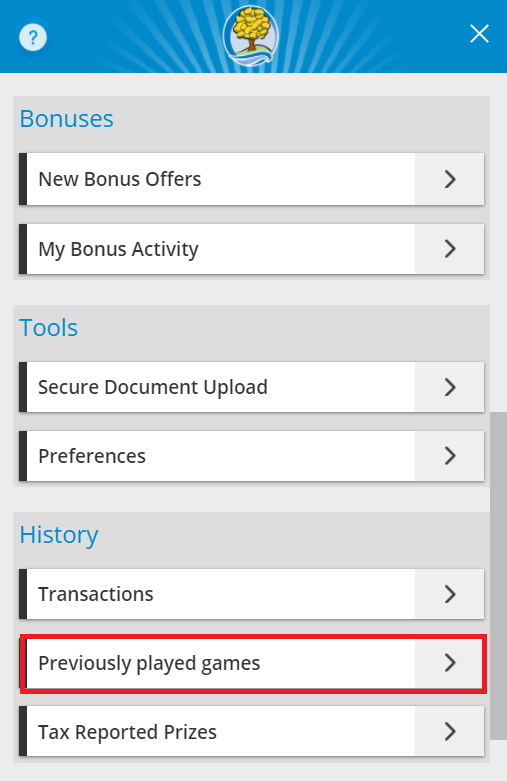
- Under “History,” select Previously Played Games.
Listed below is a description of all of the content on the Previously Played Games screen and details about each item:
Filters
- There are two buttons at the top of the screen: Transactions and Games.
- Selecting the Transactions button updates the screen to display your transactions History.
- Selecting the Games button updates the screen to display Game Play History with two drop-downs:
- Online Instants or Draw Games
- Date filter (up to two months of history)
Online Instants will display:
- Date
- Game
- Wager
- Prize
- Balance
- Game No.
- Game Time
Draw Games will display:
- Show Winnings Toggle
- Date and Time
- Game Logo
- Game Results
- Tickets
- Power Play or Megaplier
- Serial Number
- Total Win

Desktop Computer
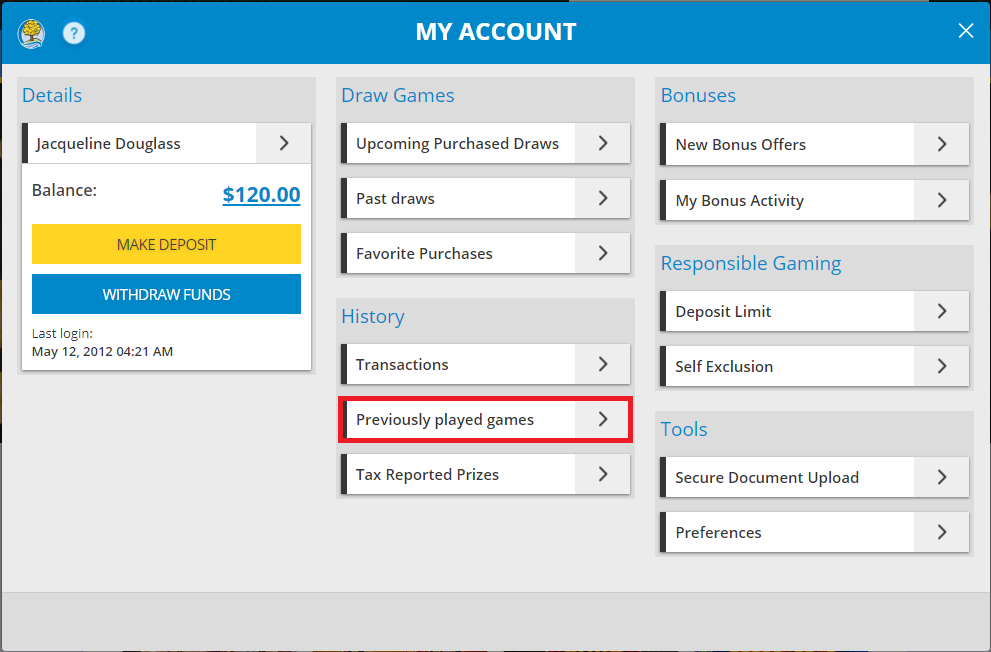
- Sign In and select your name to open the Account Menu.

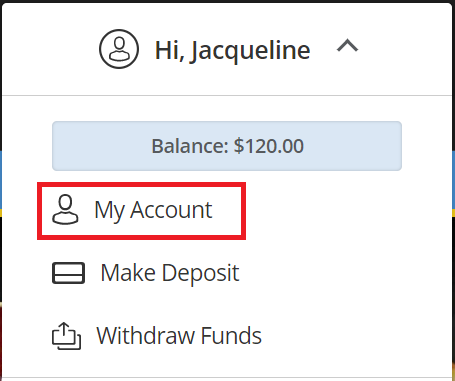
- Select “My Account” from the menu.
- Select “Previously Played Games”.
Was this article helpful?
That’s Great!
Thank you for your feedback
Sorry! We couldn't be helpful
Thank you for your feedback
Feedback sent
We appreciate your effort and will try to fix the article