Mobile Phone
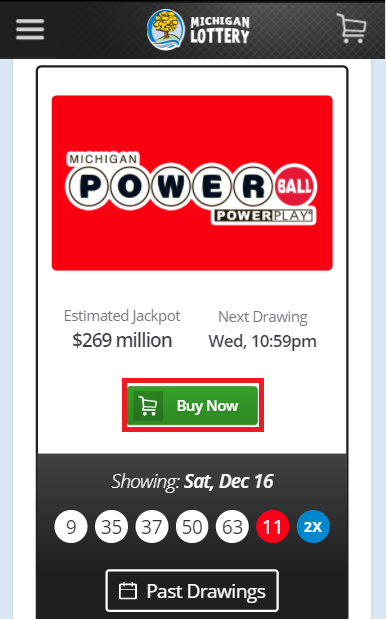
- Select “Buy Now” on the game you would like to purchase. Note: You can navigate to the Games Lobby (https://michiganlottery.com/games) or view the drawing results on the homepage and select “Buy Now” in order to make a purchase.
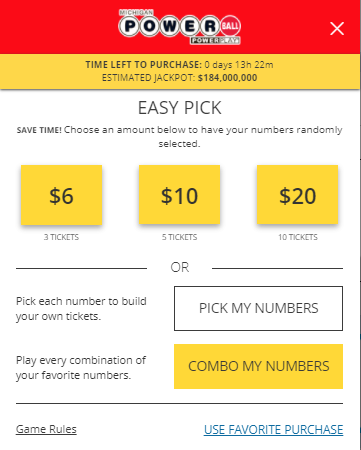
- Select an Easy Pick value, “USE FAVORITE PURCHASE” or “PICK MY NUMBERS”.
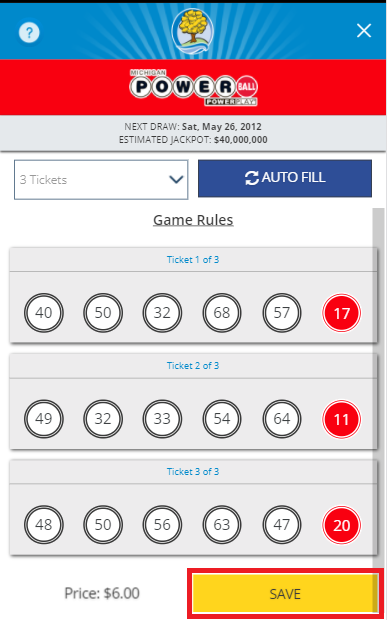
- Select your numbers, if you used an Easy Pick value or a favorite purchase, then skip this step. You can manually enter your numbers by selecting a circle and entering the number. Select “SAVE” to continue the purchase.
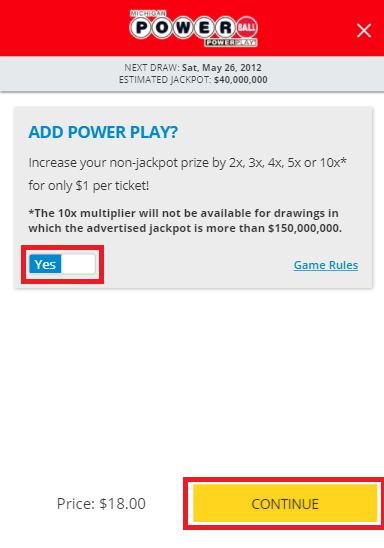
- Select your add-ons and how many drawings you would like to enter.
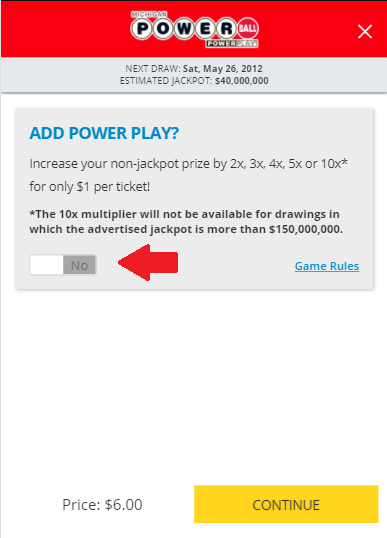
- Select “CONTINUE” to continue the purchase. Note: The price will update according to the add-ons and number of draws you selected.
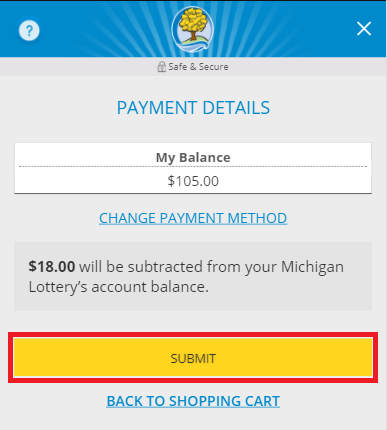
- Confirm payment details, select “SUBMIT” to continue the purchase.
- Review purchase and select “CHECKOUT” to complete the purchase. Note: you may select the checkbox to “Save as Favorite Purchase” for future purchases.

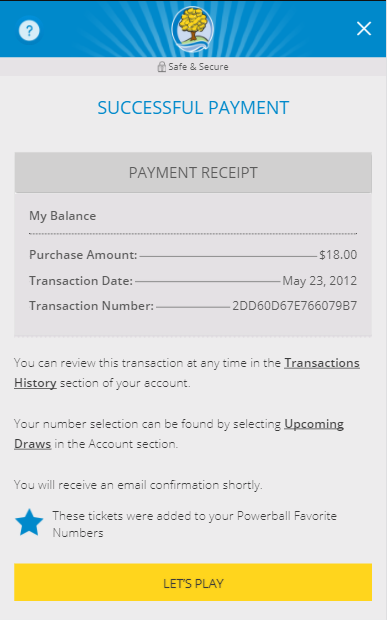
- Confirmation of Successful Payment.
Desktop Computer
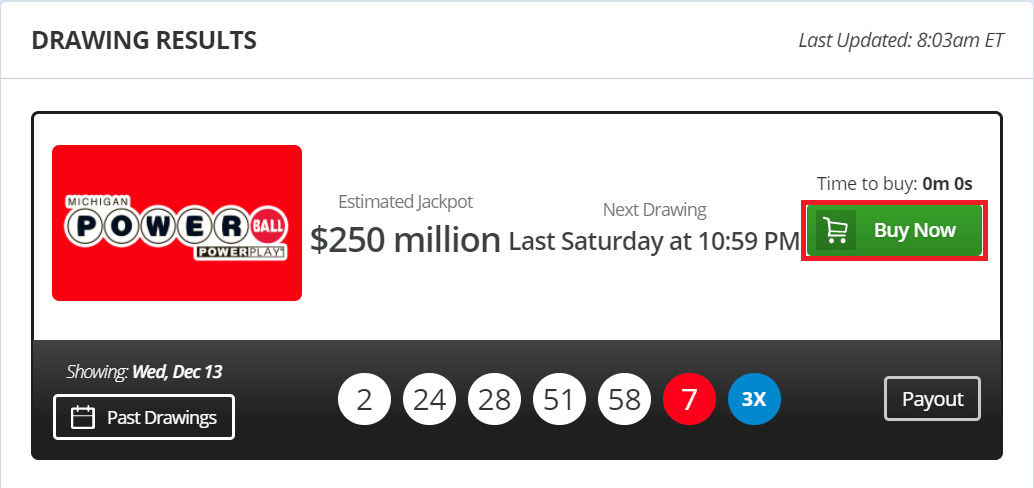
- Select “Buy Now” on the game you would like to purchase. Note: You can navigate to the Games Lobby (https://michiganlottery.com/games) or view the drawing results on the homepage and select “Buy Now” in order to make a purchase.
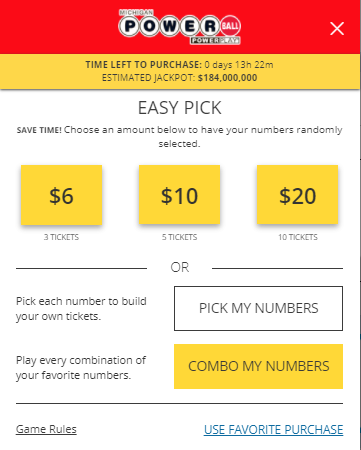
- Select an Easy Pick value, “USE FAVORITE PURCHASE” or “PICK MY NUMBERS”.
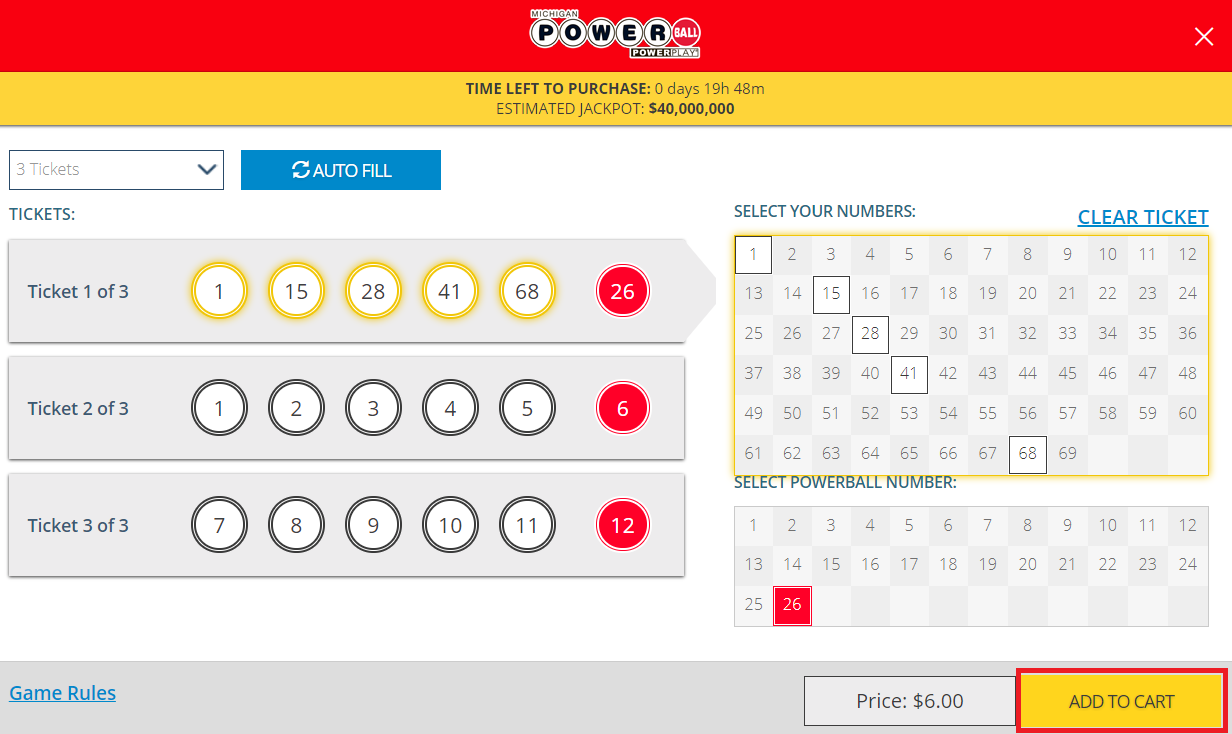
- Select your numbers, if you used an Easy Pick value or a favorite purchase, then skip this step. You can manually enter your numbers by selecting a circle and entering the number or you may select a number from the pool. Select “ADD TO CART” to continue the purchase.
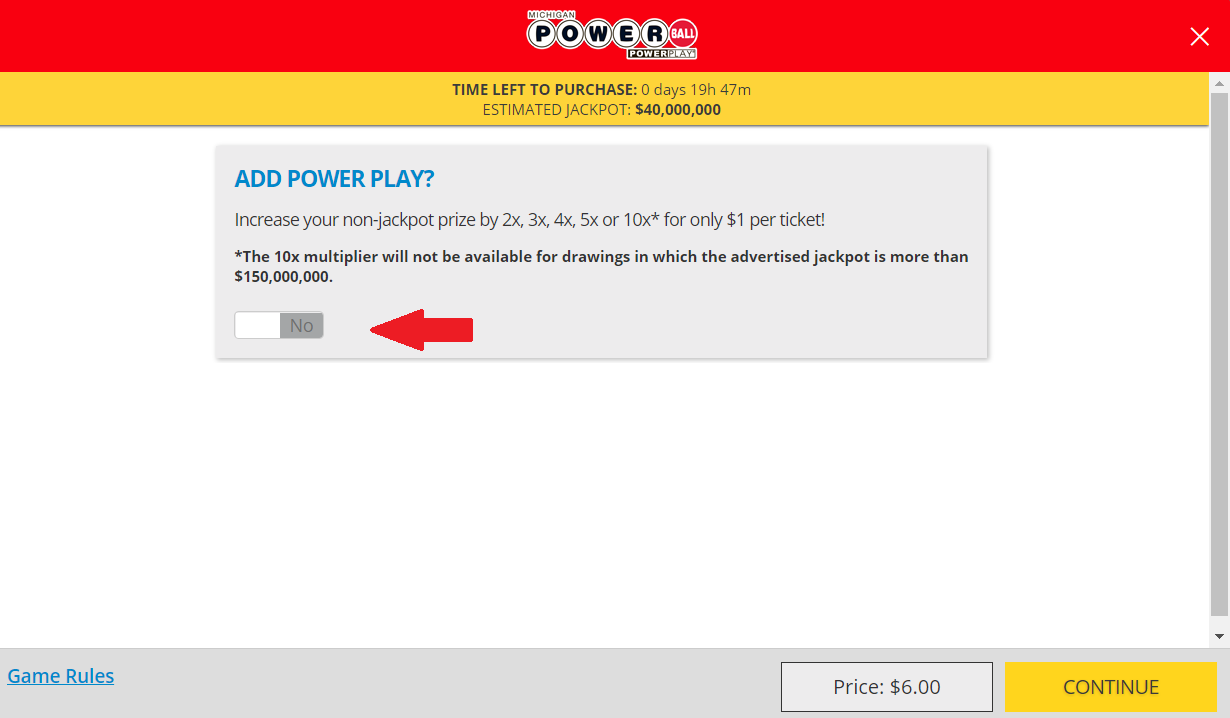
- Select your add-ons and how many drawings you would like to enter.
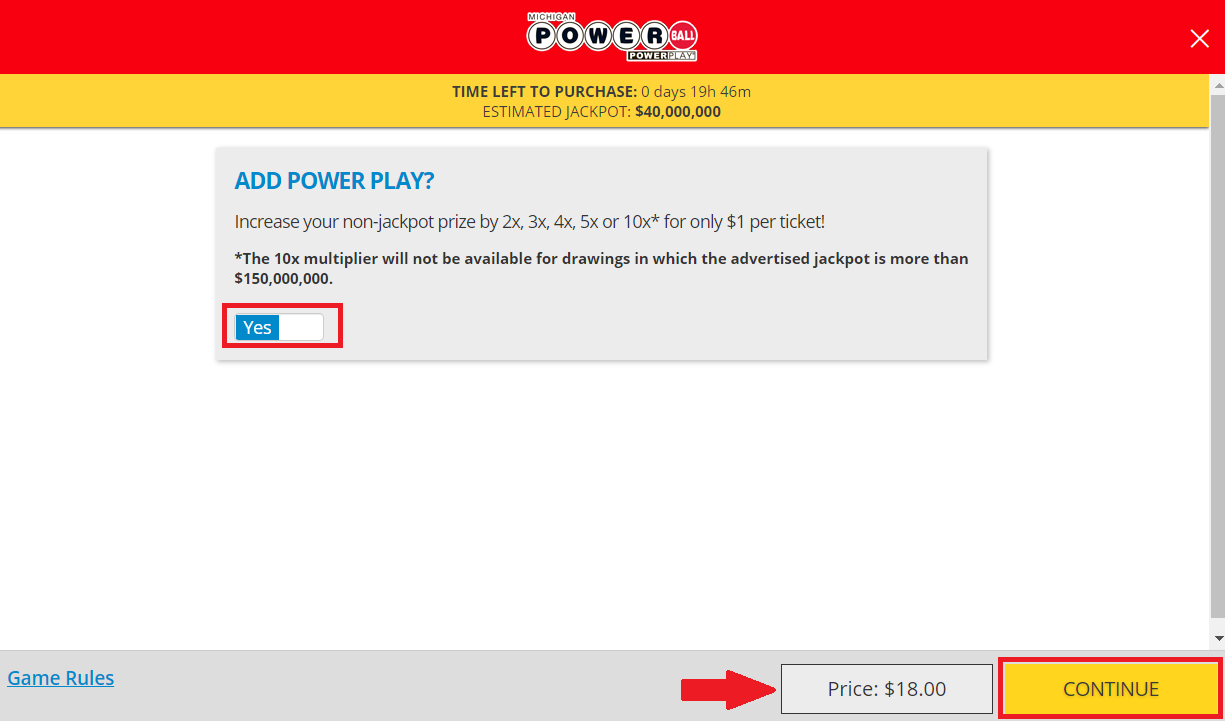
- Select “CONTINUE” to continue the purchase. Note: The price will update according to the add-ons and number of draws you selected.
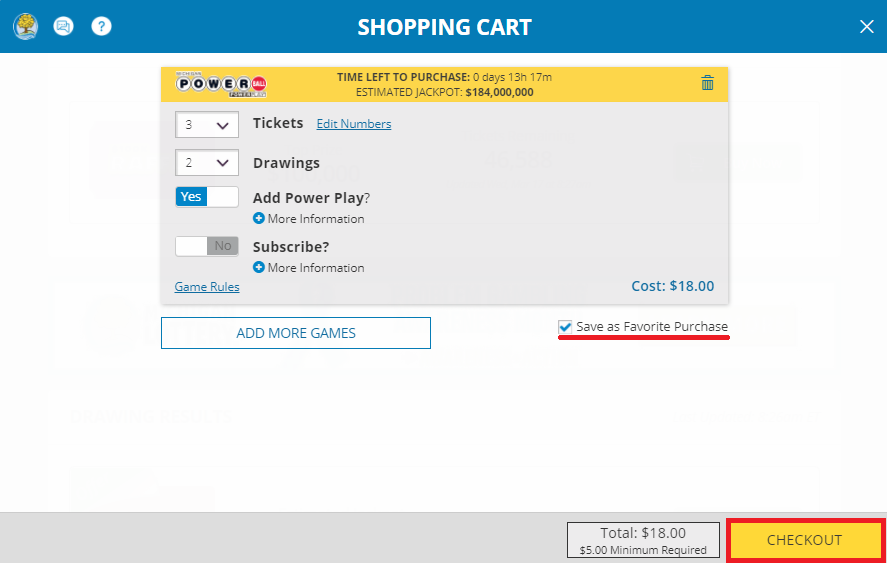
- Review purchase and select “CHECKOUT” to complete the purchase. Note: you may select the checkbox to “Save as Favorite Purchase” for future purchases.
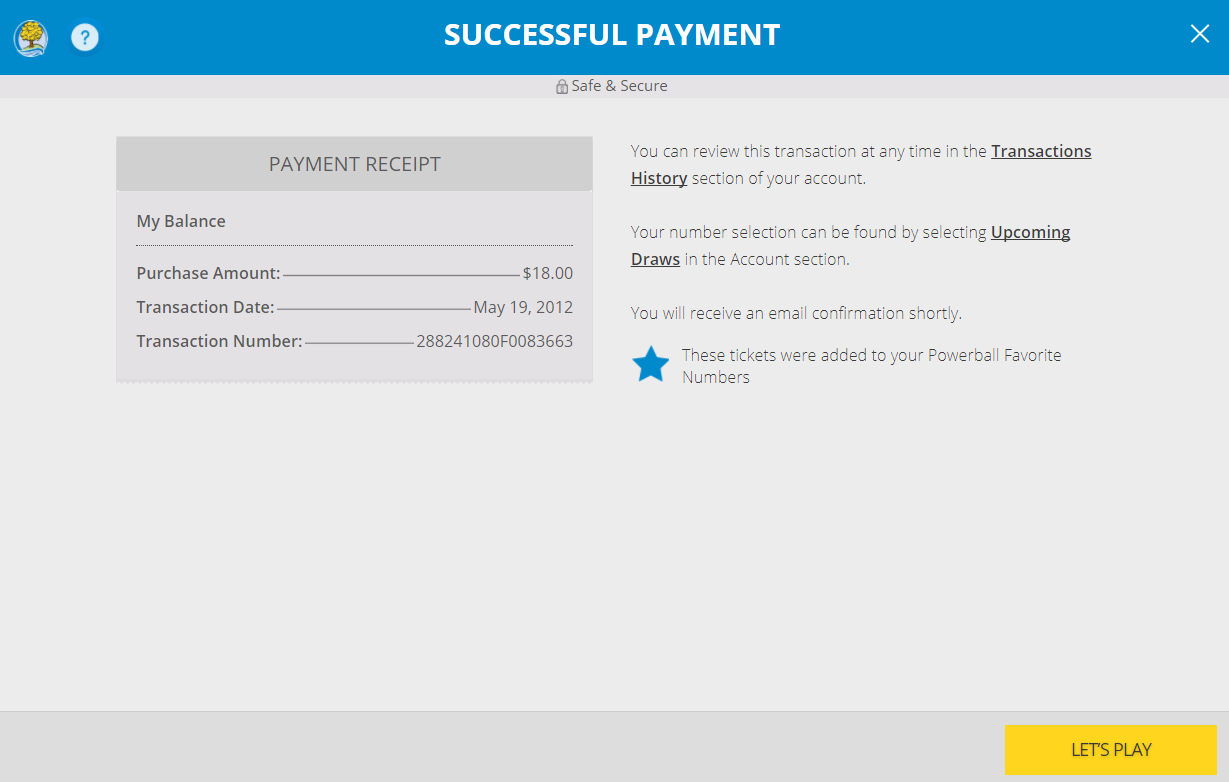
- Confirmation of Successful Payment.
Was this article helpful?
That’s Great!
Thank you for your feedback
Sorry! We couldn't be helpful
Thank you for your feedback
Feedback sent
We appreciate your effort and will try to fix the article