Mobile Phone
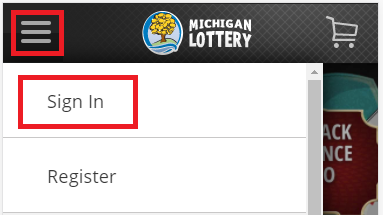
- Sign In from the menu. The menu is accessible by selecting the “ ” icon in the upper-left portion of your screen. Select “Sign in” from the mobile menu and enter your Michigan Lottery account credentials.
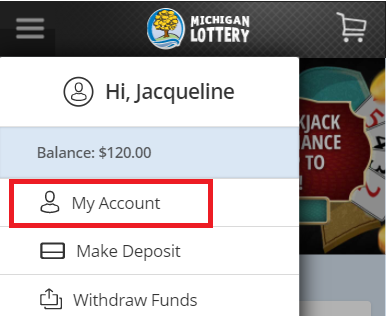
- Select “My Account” from the mobile menu.
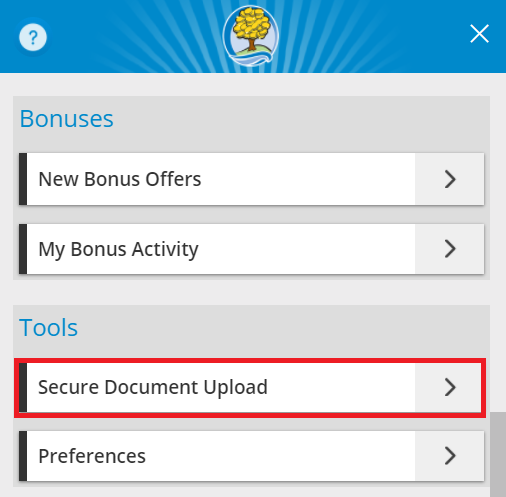
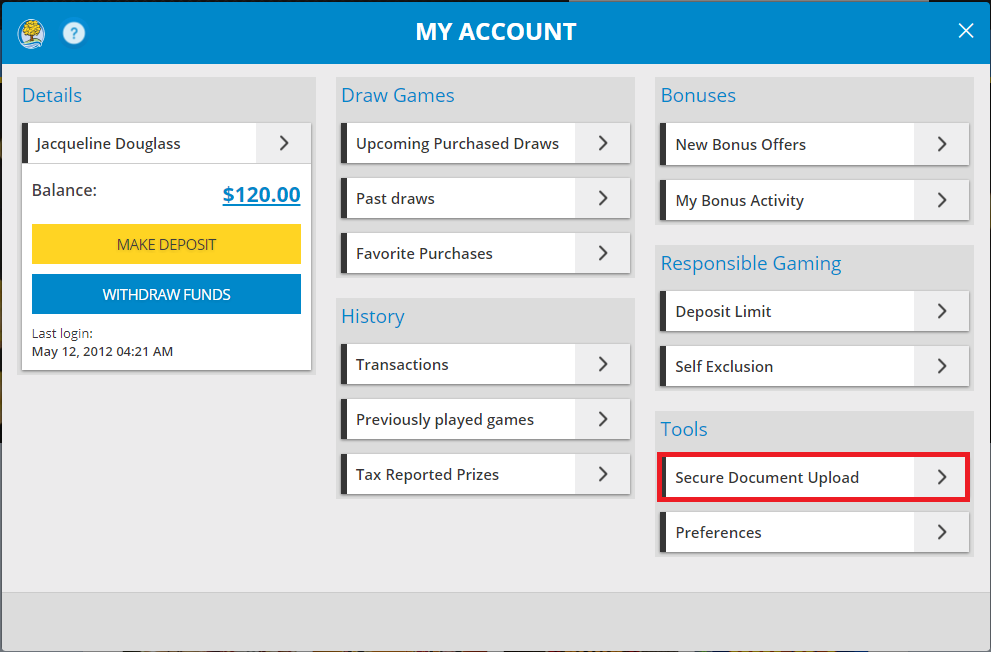
- Select “Secure Document Upload”.
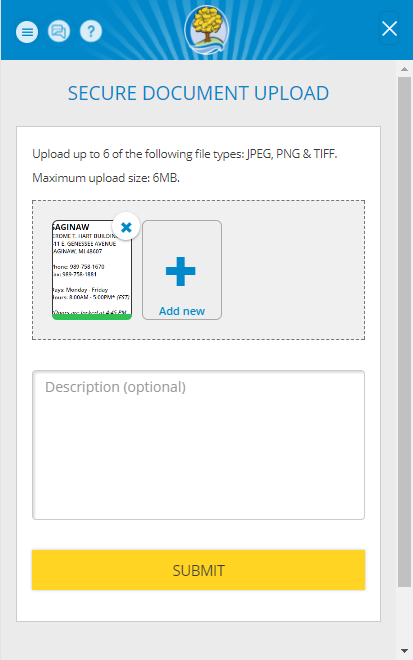
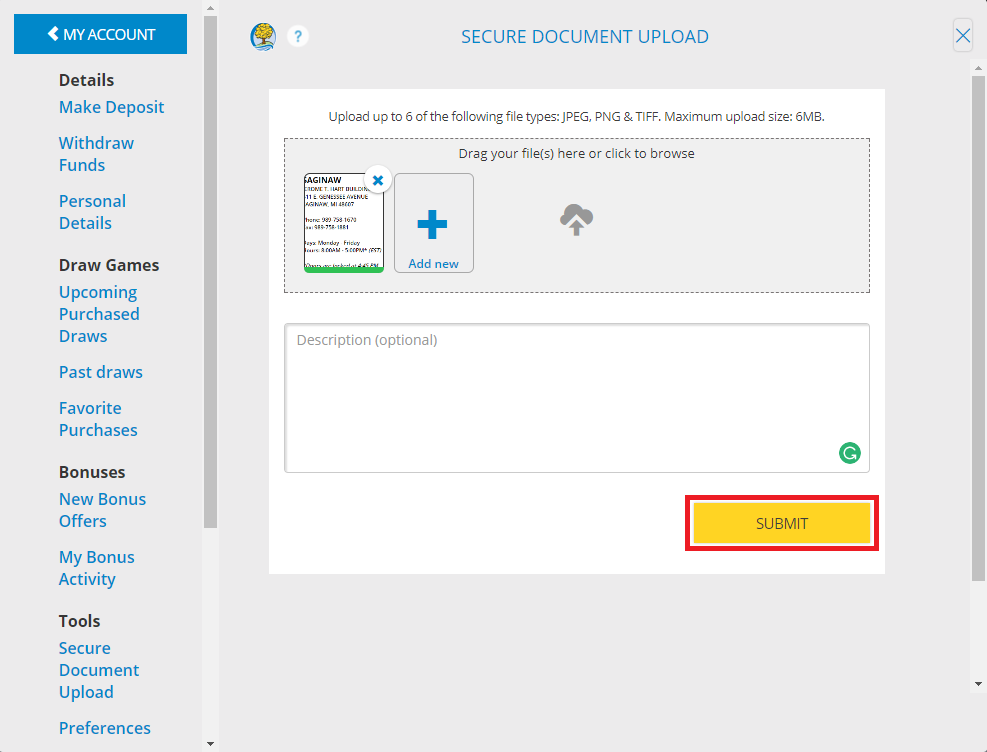
- Select “Add new” and choose the document you wish to upload. You can also add a description of the items you are uploading. Select “SUBMIT” to confirm the document upload. Note: you may remove an item by selecting the “X”.
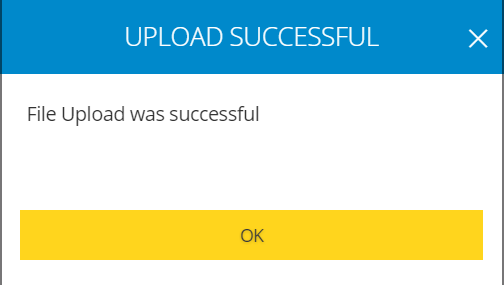
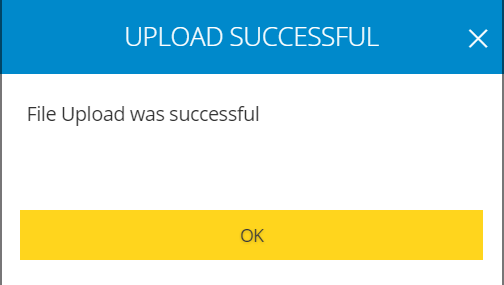
- Select “OK” on the upload successful confirmation.
Desktop Computer
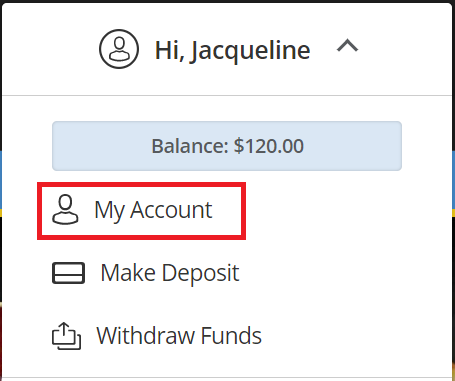
- Sign In and select your name to open the Account Menu.

- Select “My Account” from the menu.
- Select “Secure Document Upload”.
- Select “Add new” and choose the document you wish to upload. You can also add a description of the items you are uploading. Select “SUBMIT” to confirm the document upload. Note: you may remove an item by selecting the “X”.
- Select “OK” on the upload successful confirmation.
Was this article helpful?
That’s Great!
Thank you for your feedback
Sorry! We couldn't be helpful
Thank you for your feedback
Feedback sent
We appreciate your effort and will try to fix the article