If you have multiple deposit bonus oers, you have the option to select which oer you want to use rst.
- To start, sign in and go to the New Bonus Offersscreen in My Account.
- On the New Bonus Offers page, you will see all of the bonus offers that are available for you to claim.
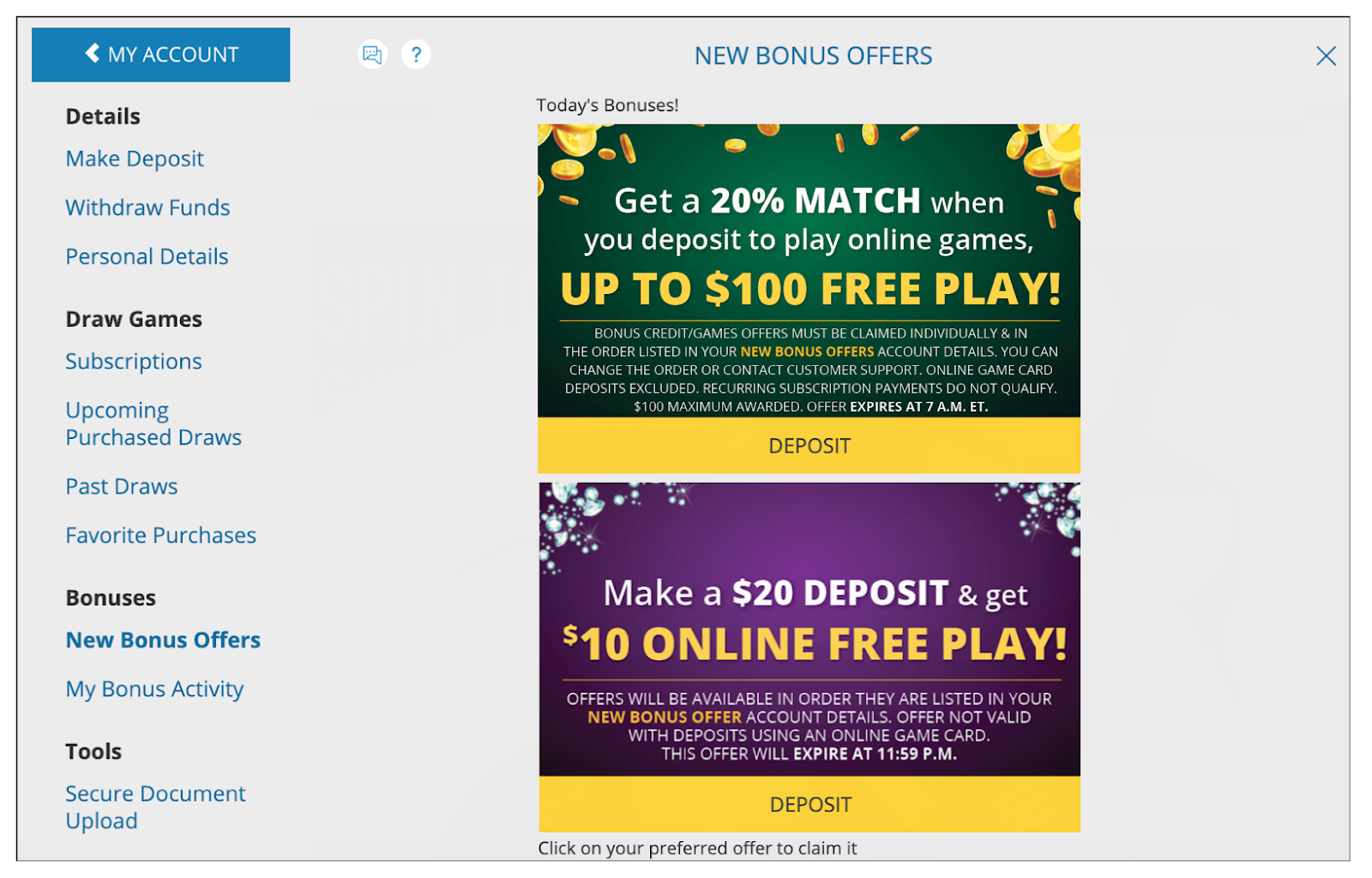
- On the New Bonus Offers page, you will see all of the bonus offers that are available for you to claim.
- Select the “DEPOSIT” button below the oer on this screen that you would like to claim first. You may need to scroll to view all of the available options.
- Choose your payment method and enter the minimum deposit amount required.
After completing the requirements for the first offer, you may return to the New Bonus Offers screen to claim the next offer.
If you still have questions, please contact our 24/7 Customer Support Team by submitting this form or calling 1-844-887-6836.
Was this article helpful?
That’s Great!
Thank you for your feedback
Sorry! We couldn't be helpful
Thank you for your feedback
Feedback sent
We appreciate your effort and will try to fix the article